
Voice & VoIP Automation in Odoo 19: Call Transcription, Intelligent Routing & CRM Workflows
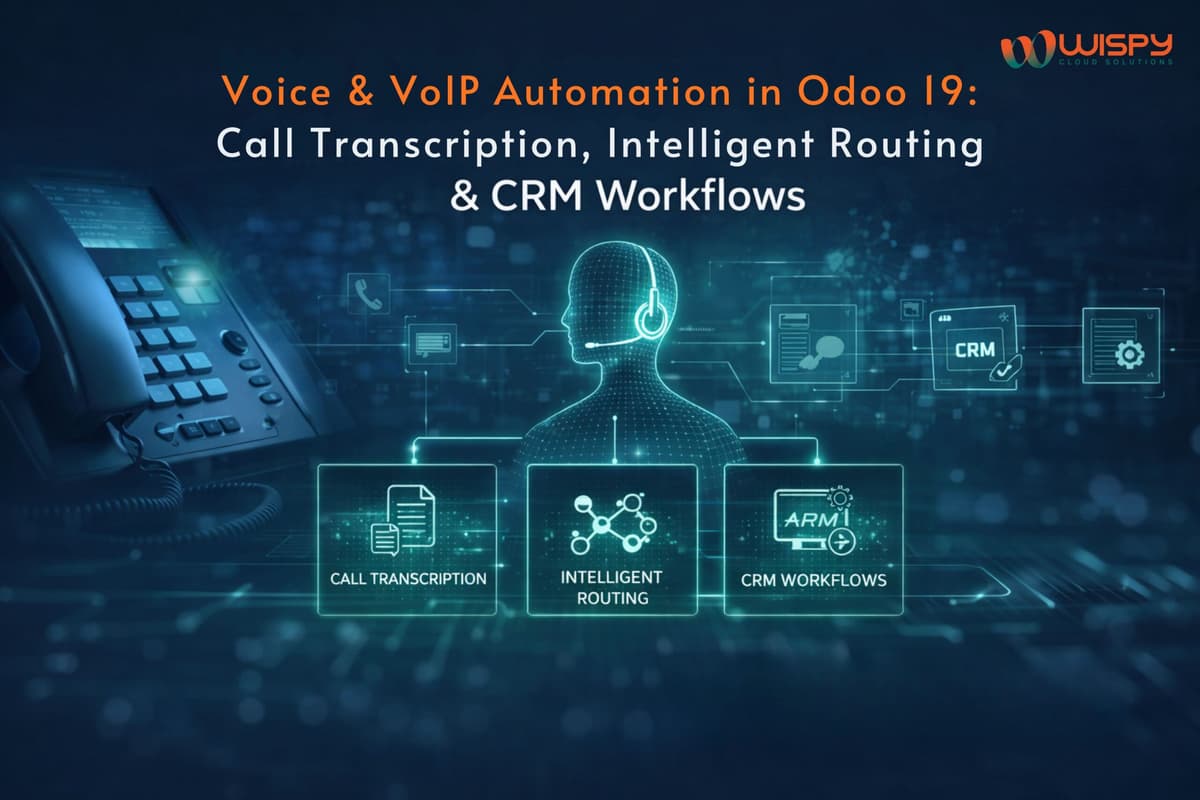
In modern sales and support environments, high-value conversations still happen over the phone. Yet in many companies, voice calls remain disconnected from CRM workflows logged manually, forgotten, or never analyzed.
With Voice & VoIP automation in Odoo 19, calls become structured CRM events. Through call transcription, intelligent routing and automated workflows, voice interactions transform into searchable data that drives pipelines, follow-ups and service metrics.
This guide explains how to implement Odoo 19 VoIP integration, call transcription and CRM automation in a practical, measurable way.
Why Voice Automation Matters in 2026
Despite the rise of chat and email, phone calls remain critical for:
- Sales negotiations
- Pricing discussions
- Contract clarifications
- Escalated support cases
- Renewal conversations
VoIP adoption continues to grow across enterprises and cloud telephony usage is expanding globally. As call volumes increase, organizations need structured ways to convert conversations into business intelligence.
Without automation:
- Follow-ups get delayed
- Critical details are forgotten
- High-value leads go untracked
- Sales insights remain hidden
With Odoo 19 voice automation, every call becomes actionable CRM data.
What Odoo 19 Provides for VoIP Integration
Odoo 19 includes built-in VoIP integration that allows users to:
- Make and receive calls directly inside CRM and Helpdesk
- Log calls automatically as CRM activities
- Link calls to contacts, leads and opportunities
- Configure SIP or WebSocket telephony providers
This eliminates tool switching and ensures calls are tied directly to business records.
However, real value comes when you extend this with transcription and automation workflows.
Call Transcription in Odoo 19: Turning Audio into Searchable Data
Call transcription converts audio recordings into text, enabling:
- Keyword search across conversations
- Automated tagging
- Insight extraction
- Workflow triggers
Modern speech recognition engines can achieve high accuracy under ideal conditions, though real-world results vary depending on audio quality, accents and noise levels.
Recommended Transcription Integration Pattern
- Record calls via Odoo VoIP configuration
- After call completion, send recording to a secure transcription API
- Receive transcript asynchronously
- Attach transcript to CRM activity
- Generate tags (pricing, renewal, complaint, competitor mention)
- Trigger automated CRM actions
Using asynchronous background processing ensures minimal impact on user experience and controlled transcription costs.
Intelligent Call Routing Using Odoo CRM Context
Basic routing rules (business hours, availability) are handled by telephony systems. Intelligent routing leverages Odoo CRM data to direct calls strategically.
CRM Context That Improves Routing
- Customer lifetime value
- Opportunity stage
- Open support cases
- Account ownership
- Preferred language
Practical Smart Routing Examples
- VIP accounts → Dedicated senior agent queue
- New leads → SDR or inside sales queue
- Escalated cases → Priority support routing
- Overflow periods → Automated callback workflow
Every routing decision should be logged inside Odoo CRM to analyze performance by queue or rule.
Turning Calls into Automated CRM Workflows
Voice automation becomes powerful when transcripts trigger actions.
Each call should generate a CRM activity containing:
- Call metadata (agent, duration, timestamp)
- Recording link
- Transcript
- Tags
- Recommended next action
Example Automation Rules (SuiteFlow & SuiteScript)
- Transcript includes “pricing” → Create sales follow-up task
- Transcript includes “refund” → Open support case
- Transcript includes “proposal” → Advance opportunity stage
- Missed call from known lead → Auto-create callback

Even simple keyword detection using regex delivers measurable gains. Over time, organizations can integrate lightweight ML models for advanced intent detection.
Accuracy, Compliance & Safety Guardrails
Voice automation must be implemented responsibly.
Best Practices
- Always display original audio alongside transcript
- Audit transcription accuracy across regions and accents
- Avoid fully automated legal or contractual commitments
- Apply role-based permissions for recordings
- Define retention policies for audio and transcripts
Automation should assist decision-making not replace human judgment.
KPIs to Measure Voice Automation ROI
Track business impact, not just activity volume.
Key metrics include:
- Call-to-opportunity conversion rate
- Average follow-up time after calls
- Percentage of calls with transcripts attached
- Case resolution time for voice-generated tickets
- Accuracy rate of automated task creation
A/B testing routing and automation rules before full rollout improves reliability.
Real-World Implementation Tips
Organizations successfully deploying Odoo voice automation:
- Start with one team (e.g., SDR or support)
- Limit transcription to high-value calls initially
- Use human-in-the-loop validation for sensitive interactions
- Train agents to clearly state key details (order numbers, SKUs)
- Continuously refine keyword triggers
Small behavior improvements significantly enhance transcription quality.
Conclusion
Voice automation in Odoo 19 is not just telephony integration, it is CRM intelligence orchestration.
With:
- Structured VoIP integration
- Asynchronous transcription pipelines
- Intelligent CRM-based routing
- SuiteFlow-driven automation
Voice conversations become searchable, measurable and actionable.
Organizations that implement voice automation carefully and measure impact will see ROI through faster follow-ups, improved conversion rates and stronger service documentation.
In Odoo 19, voice becomes a business asset not just a communication channel.
How Wispy Helps with Odoo Voice & CRM Automation
Wispy designs and implements Odoo 19 VoIP integrations, call transcription pipelines and intelligent CRM workflows. We configure routing logic, SuiteFlow automations, governance guardrails and performance dashboards to ensure voice data drives measurable outcomes.
Our approach focuses on safe rollout, measurable ROI and scalable CRM intelligence.
FAQs
1. Does Odoo 19 support VoIP integration?
Yes. Odoo 19 includes built-in VoIP integration with SIP and telephony provider connectors.
2. Can Odoo automatically transcribe calls?
Yes. Call recordings can be sent to transcription APIs and attached to CRM activities.
3. How does intelligent call routing work in Odoo?
Routing uses CRM context such as deal stage, customer tier and open cases to direct calls to the right team.
4. Can call transcripts trigger CRM tasks?
Yes. SuiteFlow and SuiteScript can create tasks, update opportunities, or open cases based on transcript keywords.
5. Is voice automation compliant in Odoo?
Yes, when role-based access, retention policies and human validation are applied.